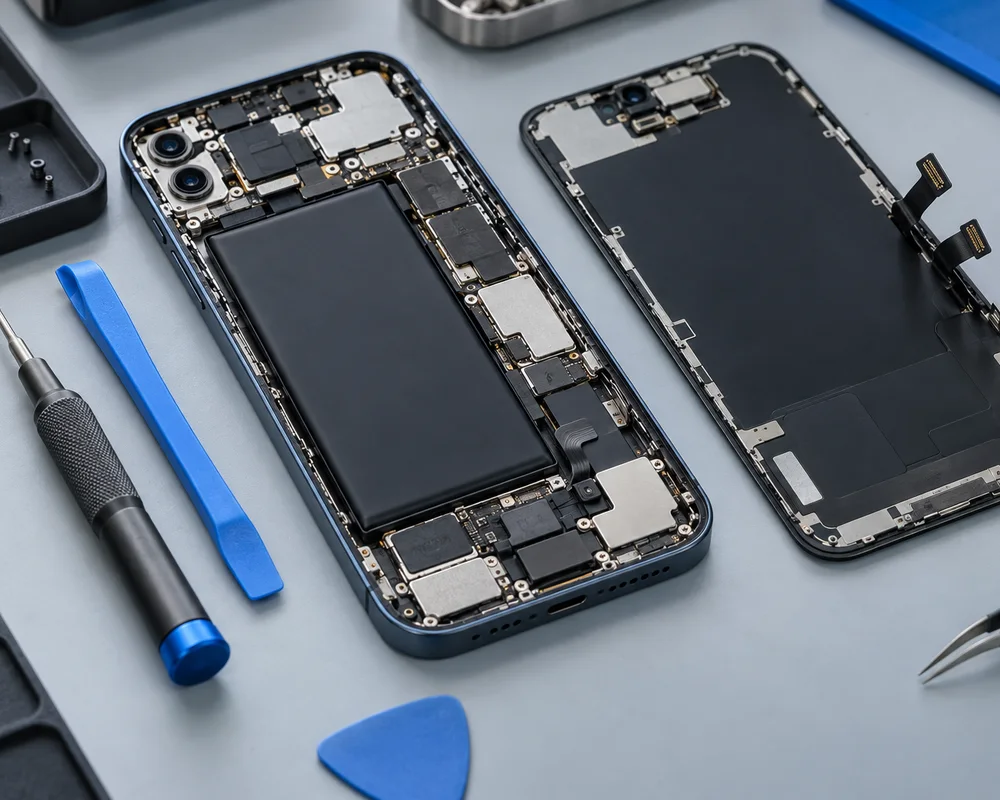
iPhone Screen Replacement: Common Problems and Repair Options
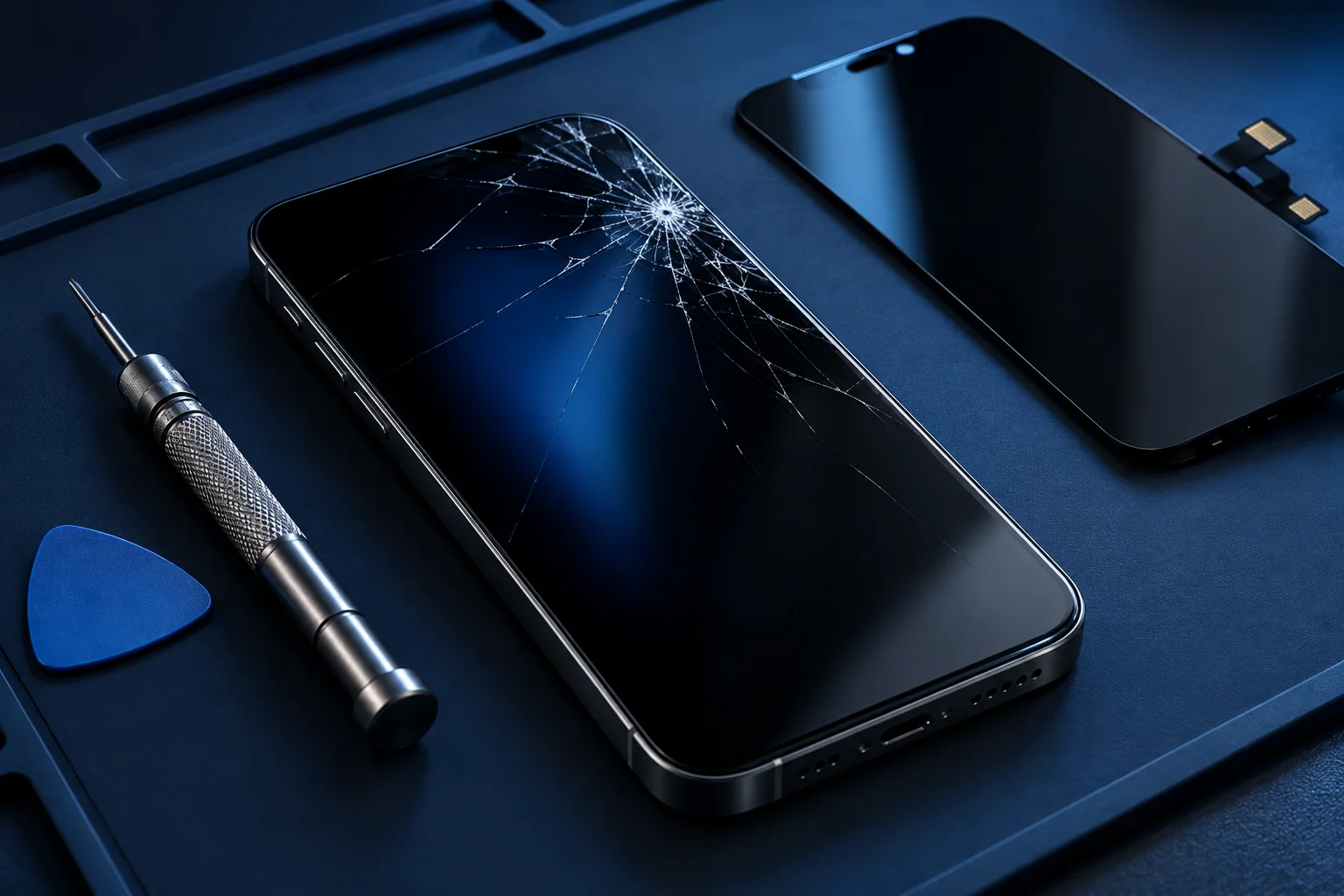
A cracked screen is easy to notice. Other iPhone display problems are less obvious: touch may fail in one area, colours may change or the screen may stay black while the phone rings. Understanding the symptoms helps you ask better questions, but an assessment is still needed before choosing a repair.
Cracked glass and touch faults
A phone may continue working after a fall, but broken glass can be sharp and further pressure may make damage worse. Avoid testing loose fragments with your fingers. If the device is safe and usable, back it up before arranging an assessment.
Touch faults can include dead areas, delayed input or touches registering without your finger on the screen. Tell the repair shop whether the behaviour began immediately after impact and whether it affects the whole display. Do not repeatedly press or bend the phone to make it respond.
A black screen is not a diagnosis
If an iPhone vibrates or receives calls with no visible image, the screen may be involved. A power issue, connection fault or other internal damage can also be relevant. Replacing a display without checking the surrounding symptoms risks leaving the actual problem unresolved.
Describe what still works and whether there was a drop, spill or earlier repair. If the phone was exposed to liquid, stop charging it and mention that first. A wet device needs different handling from a dry phone with a cracked display.
For a model-specific enquiry, see our iphone screen replacement information.
Flickering, lines and discolouration
Lines, patches and flickering can appear after impact even when the front glass looks intact. The visible surface is only one part of a display assembly. A technician needs to consider the image, touch response, connections and the physical condition of the phone.
Make a note of whether the symptom is constant or intermittent. If it happens only in one app, explain that too. Useful observations help with assessment; they do not require you to open the phone or try a replacement component yourself.
Questions about the replacement part
Give the exact iPhone model and ask which display is proposed. Ask about the source, technology, feature limitations and any model-dependent calibration or messages. Do not assume that an independent repair quote includes a genuine Apple component.
Check whether the proposed work includes only the display or also addresses a damaged frame, camera or earpiece. Face ID faults should be discussed separately. Screen replacement should not be presented as a guaranteed fix for every front-facing component.
Agree the scope and prepare your data
Before authorising work, confirm the inspection conditions, full estimated cost, parts availability and applicable repair terms. Ask how unexpected damage will be handled and whether additional work requires your approval. The model and inspection findings influence the collection timetable.
Back up where safe, and keep account passwords out of messages. If your priority is accessing unbacked-up files, say so before any reset is considered. Discuss unlock access directly with the shop and ask which checks can be performed with you present.
You can also discuss related symptoms through our iphone repairs page.
Local help with your iPhone
Our iPhone screen replacement page explains the enquiry process, while the broader iPhone repairs page covers battery, charging and sound concerns that may accompany a display problem. Contact Cell Phone Repairs Midrand with your model and symptoms. Confirm current hours and the exact Halfway House entrance before travelling, and review the relevant functions when you collect the device.
Need help with your phone?
Share your model and symptoms with our Halfway House shop.
Prepare a repair enquiry ↗