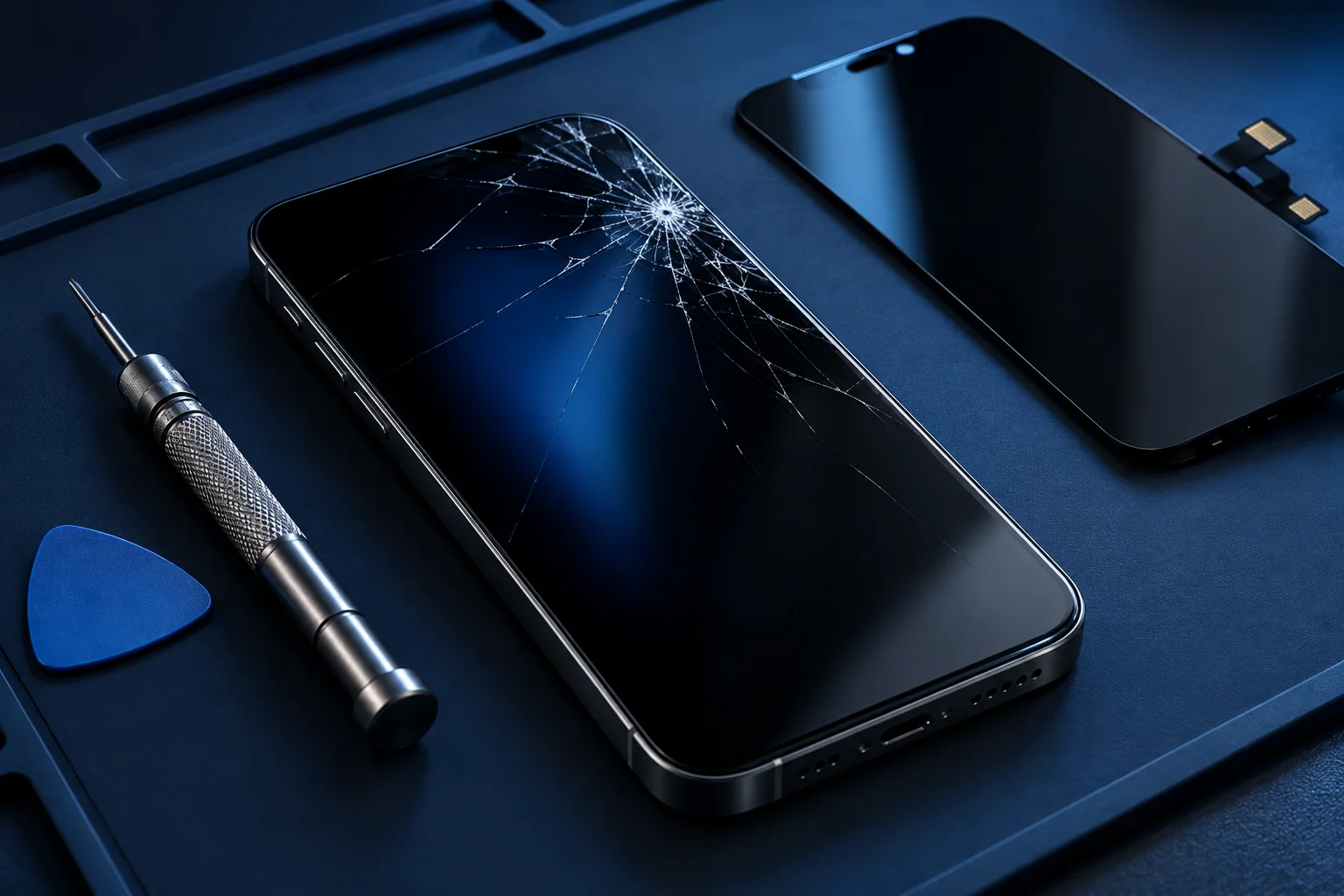
Does any of this sound familiar?
- Cracked or chipped front glass
- Unresponsive touch areas
- Black screen or dark patches
- Flickering, lines or discolouration
Glass, touch and display damage are different
The visible front of a smartphone contains several functions within a closely fitted assembly. Glass protects the surface, the display creates the image and the touch layer detects input. Damage can affect one function or several at once, so the appearance of a crack does not determine the whole repair.
Some screens still respond after an impact, while others develop lines, incorrect colours or ghost touches. Describe these details when contacting the shop. If glass is loose or sharp, avoid using the phone and handle it carefully rather than testing every damaged area with your fingers.
Why a black screen needs checking
If the phone rings or vibrates but shows no image, the display may be involved. However, a loose connection, power issue or internal damage can present in a similar way. A screen replacement should be proposed after the relevant checks, rather than assumed from one symptom.
Flickering may also have more than one cause. Mention whether it started after a drop, moisture exposure, software change or earlier repair. If the screen sometimes works, record the circumstances in words; do not repeatedly bend or press the phone to reproduce the fault.
If your symptoms overlap, explore iphone screen replacement or samsung repairs before describing the issue to the shop.
LCD, OLED and replacement options
Different phones use different display technologies. OLED and LCD assemblies vary in their construction, appearance and cost. Even devices in the same brand family can need different components, so an accurate model name is essential when asking about replacement availability.
Ask what part is being offered, its source, what the quote includes and whether any functions may behave differently. Brightness, colour, touch response and embedded fingerprint systems are useful questions to raise. A lower quoted price is meaningful only when you know what work and component it covers.
The condition of the whole phone matters
A bent frame or damaged housing can affect how a replacement screen fits. Liquid exposure may have affected connectors or other electronics as well as the display. The assessment should consider these issues before you agree to work, because replacing a screen alone may not solve every problem.
Confirm any assessment fee, the proposed total, parts availability and expected collection arrangements. Ask which checks will be performed after the repair. Do not assume opening the phone restores its original water-resistance rating, and avoid exposing a repaired device to liquids.
Plan your screen-repair enquiry
Share your brand, exact model, how the damage happened and which functions still work. Back up the phone beforehand if it is safe and usable. If you cannot access important files because the display has failed, explain this before any reset or further work is considered.
Our iPhone screen replacement guide covers model-specific questions, while the Samsung repair page helps with Galaxy enquiries. For Midrand assistance, call the shop on Old Pretoria Road in Halfway House. Confirm current hours and the exact entrance before visiting; costs and turnaround are assessed individually.
Your repair questions, answered.
Can only the cracked glass be replaced?
This depends on the device, the damage and the repair methods available. Ask whether the proposed work replaces glass or a complete assembly.
Can I use a cracked screen?
Sharp glass and unreliable touch can make use unsafe. Avoid handling broken glass and arrange an assessment.
How much will it cost?
The model, display type, part specification and associated damage determine the quote. Contact the shop for current options.